30 days UI Challenge (on going)
I have been through the theory and practised thanks to the training project but I felt my work flow was not fluid enough. What a better plan than to do the 30 days challenge to have a better grip at FIGMA and improving my skills 😁
DAY 1 - Create a hover button, I also tried to replicate iOS glass effect .
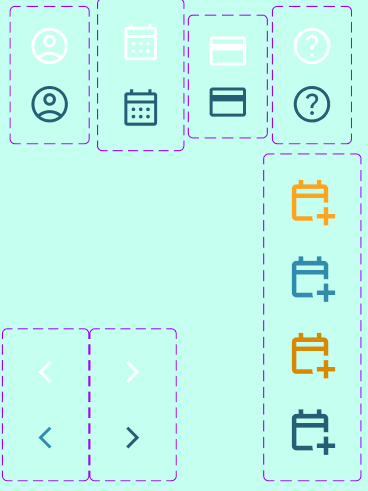
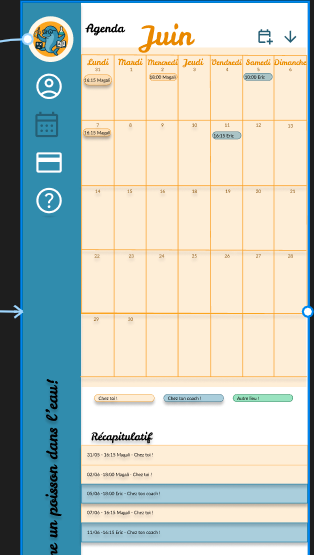
DAY 2 - Pick 2 fonts and create a visual hierarchy. Also experiences colours and effects.
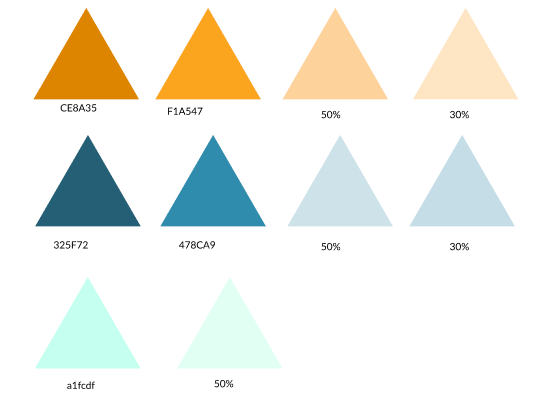
DAY 3 - Create a 5 colour palette and apply it to a simple card (I decided to create a random page app instead). Personal feedback : the title contrast is not great it might not adhere to WCAG standards.


Training Project with Google
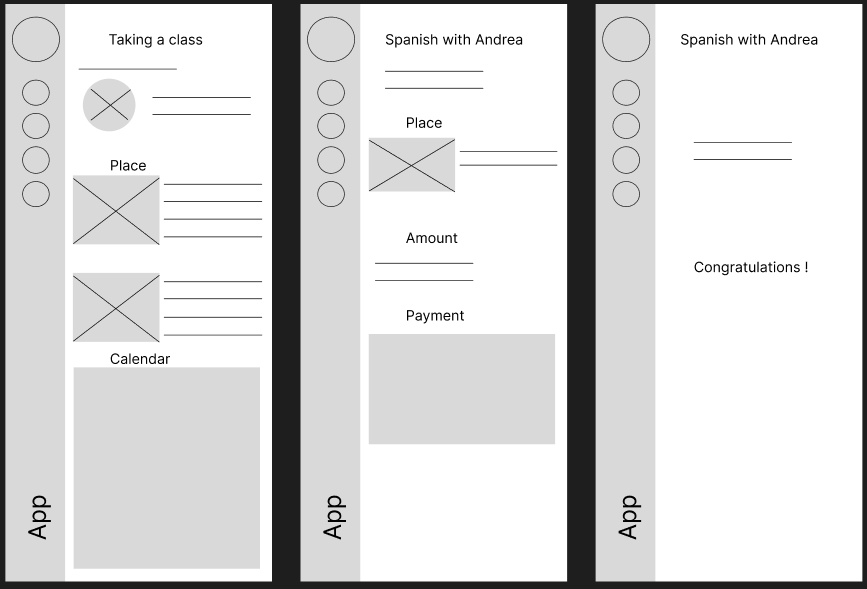
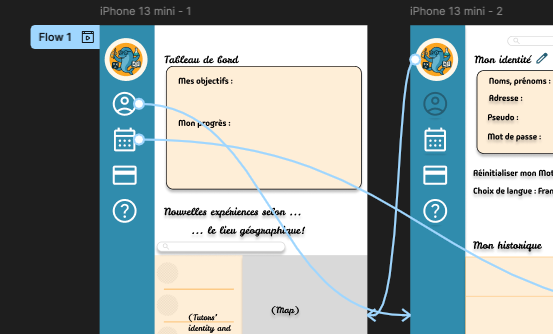
Through the UX training I applied the learned principles on my project. The prompt is the following : design an app that enables tutors to list their services and parents to search for and book the with the tutors.
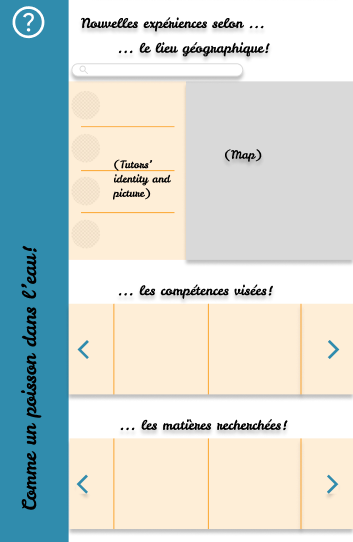
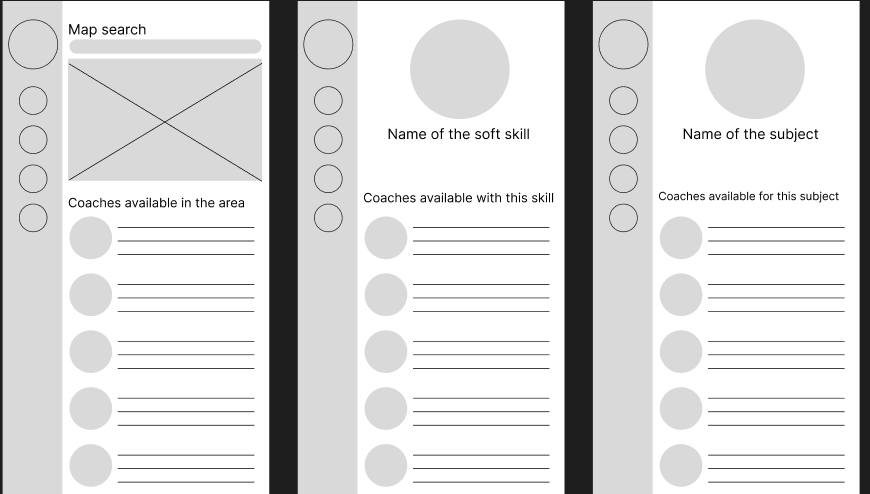
On this sector there is a strong competition, I decided to design my app through an innovative approach. Allow parents to find tutors scrolling through their academic skills AND allow them to focus on the tutors soft skills. I also added the option to book a tutor depending on the location (distance).
OBJECTIVES
-> Enable research by academic skills
-> Highlight tutor's soft skills
-> Facilitate location-based tutor research
-> Ensure the app is easy to use and understand (child-friendly)
-> Ensure the app is accessible
PROBLEMS
-> Risk of confusion due to a high number of entries
SOLUTIONS
-> Visual distinctions
---> distance tutor research ----> use a map for location-based searches
---> combine logos with words for clarity
PERSONAL PROBLEMS
- Difficulties using Figma: YouTube tutorials, especially from #DesignwithArash and #Figma, were a lifesaver ❤️!
- Discipline : working from home without strict deadlines required setting a timetable and scheduling personal deadlines.🦄
- Thinking too far ahead : I kept a notebook to jot down ideas and implement them at the right time. 😎
- Efficiency: Memorizing shortcuts and using sticker sheets helped streamline my workflow. 👍🏽